Creating spreadsheets has always been associated with offices and desktop computers or laptops. However, people increasingly need to access these documents on the go. Excel has always been one of the most complex programs from the Microsoft productivity suite, so it will be interesting to see how well it performs on the mobile screen.
Navigating the mobile interface
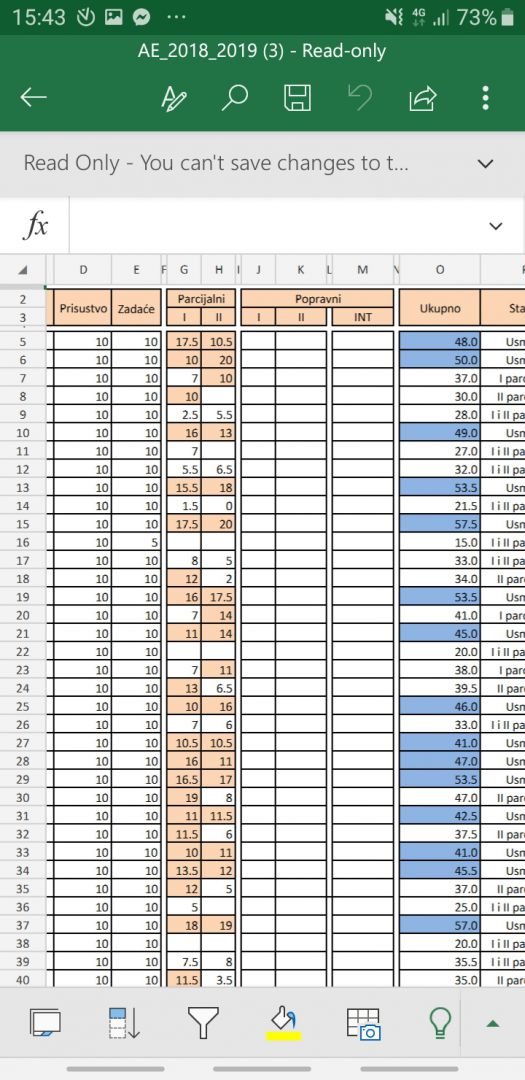
Microsoft Excel is available as a free download on Android for devices with screens under 10.1 inches, either standalone or as part of Microsoft 365. Its design is quite modern and aligns well with current Microsoft 365 aesthetics. The home screen enables you to either open a spreadsheet or create a new one. After that, you are greeted by Excel's familiar grid.Touch controls and menu layout
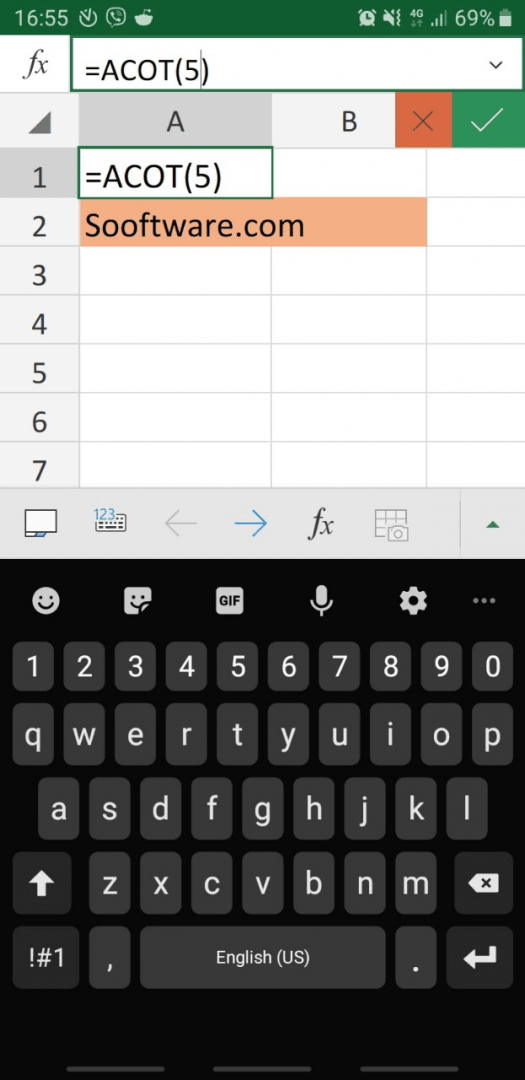
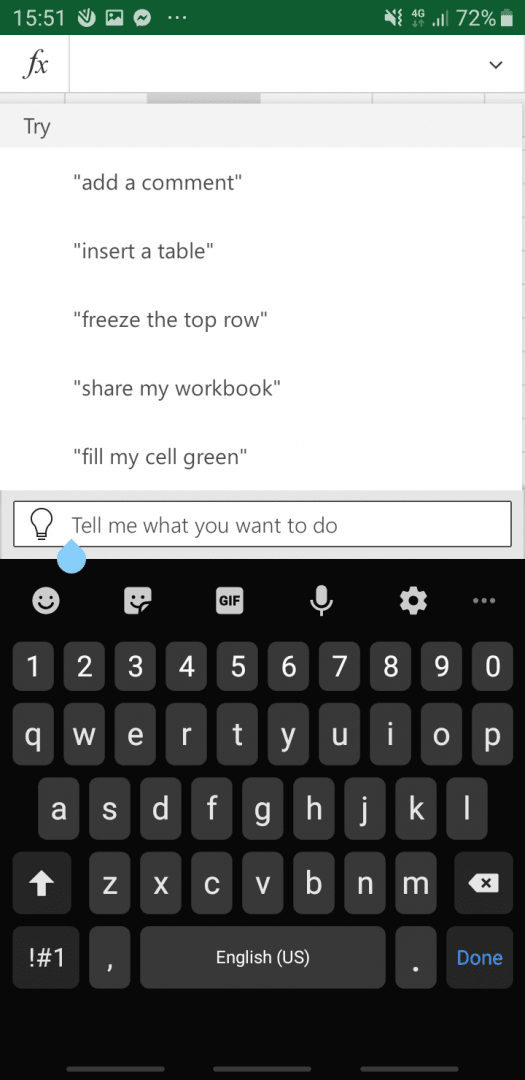
Tapping a cell selects it, and double-tapping opens your keyboard and enables you to edit its contents. There is an arrow button which can be used to switch between the keyboard and the menu bar. The menu bar contains the following tabs: Home, Insert, Draw, Formulas, Data, Review, and View.Core editing and formatting
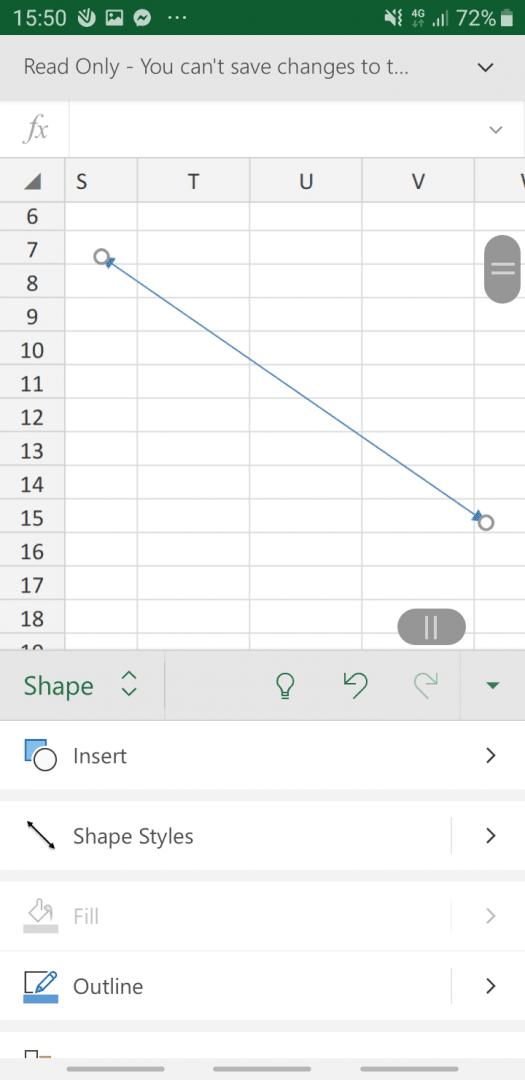
The Home tab does the heavy lifting when it comes to basic text management and formatting. The Insert tab can be used to insert pictures, tables, shapes, and most importantly, charts. However, make sure you select the data you want to include in the chart before inserting it, as adding data afterward is difficult.Advanced tools and limitations
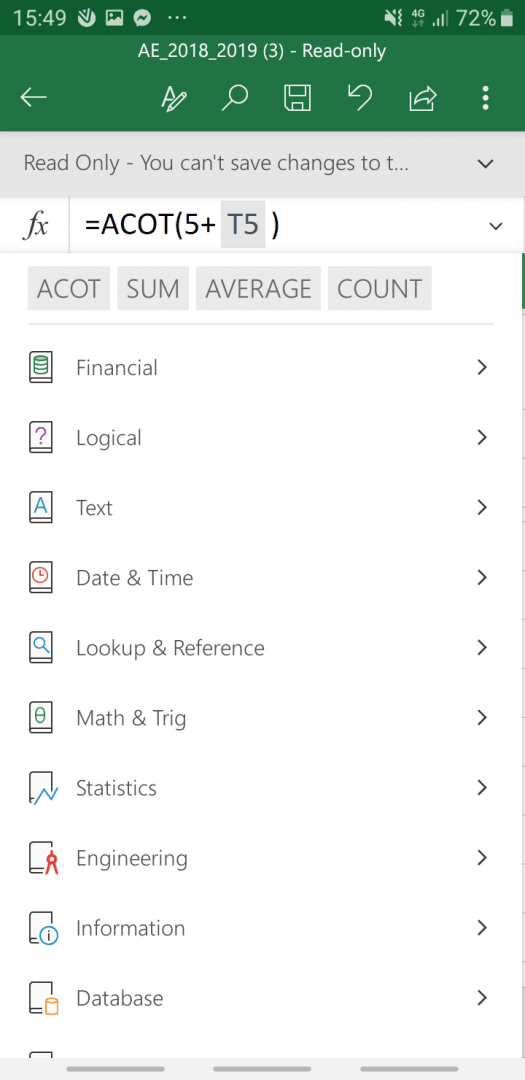
Drawings can be added in the Draw tab, and formulas can be inserted in the Formulas tab. We must say that the list of formulas closely mirrors the desktop version's calculation power. The Data, Review, and View tabs have had their features stripped down when compared to the full desktop version, omitting advanced tools like macros. Still, the app will satisfy almost every basic need when it comes to spreadsheet editing and viewing!